
The Quick Search feature, built into the top of every page of NYLearns, allows you to usea keyword to search all of NYLearns for resources, standards, communities, and teacher websites, all with one click.
1. Type your search tearm into the Quick Search bar at the top of the screen.

2. Your results page defaults to the Educational Resources page, but also includes tabs for Standards, Communities, and Teacher Websites. The Quick Search shows any instance of your search term in NYLearns.
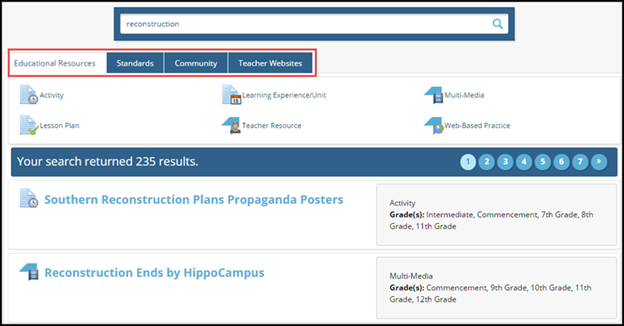
Note: The icon in front of each result shows the type of resource.