You can update your profile at any time. Your profile may contain information provided to us by your district. Please check the spelling of your name and email address when you intially login.
To Access My Profile:
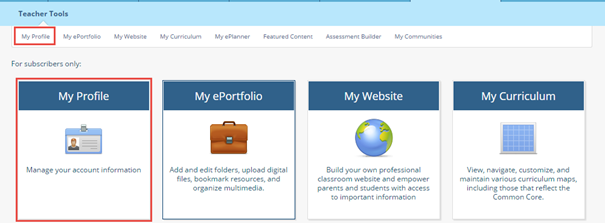
1. Click the My NYLearns tab, and make sure Teacher Tools is highlighted.

2. Select My Profile from the menu panel, either in the sub-navigation bar or from the icons.
3. Check your personal information to ensure everything is spelled correctly and make any necessary changes.
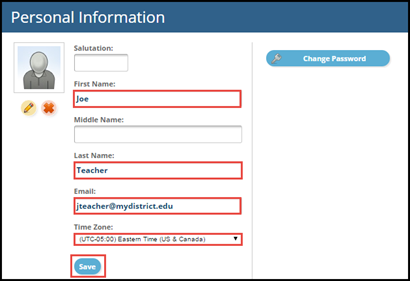
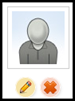
4. You may upload a profile picture by clicking the pencil underneath the photo placeholder.
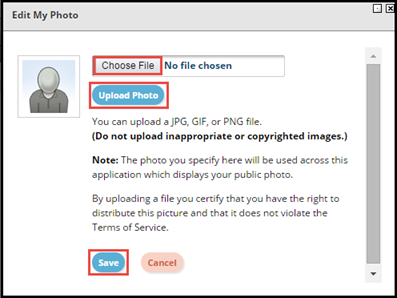
5. Click Choose File and select the appropriate file, then click Upload Photo. If you are happy with the pictures, click Save.
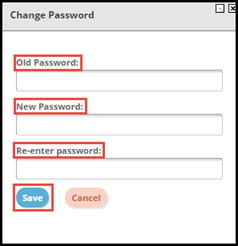
6. To change your password, click the Change Password icon, and enter your Old Password and New Password in the appropriate boxes, then click Save.